
Pikzels AI Thumbnail Maker: Can It Replace Photoshop and Canva Thumbnails?
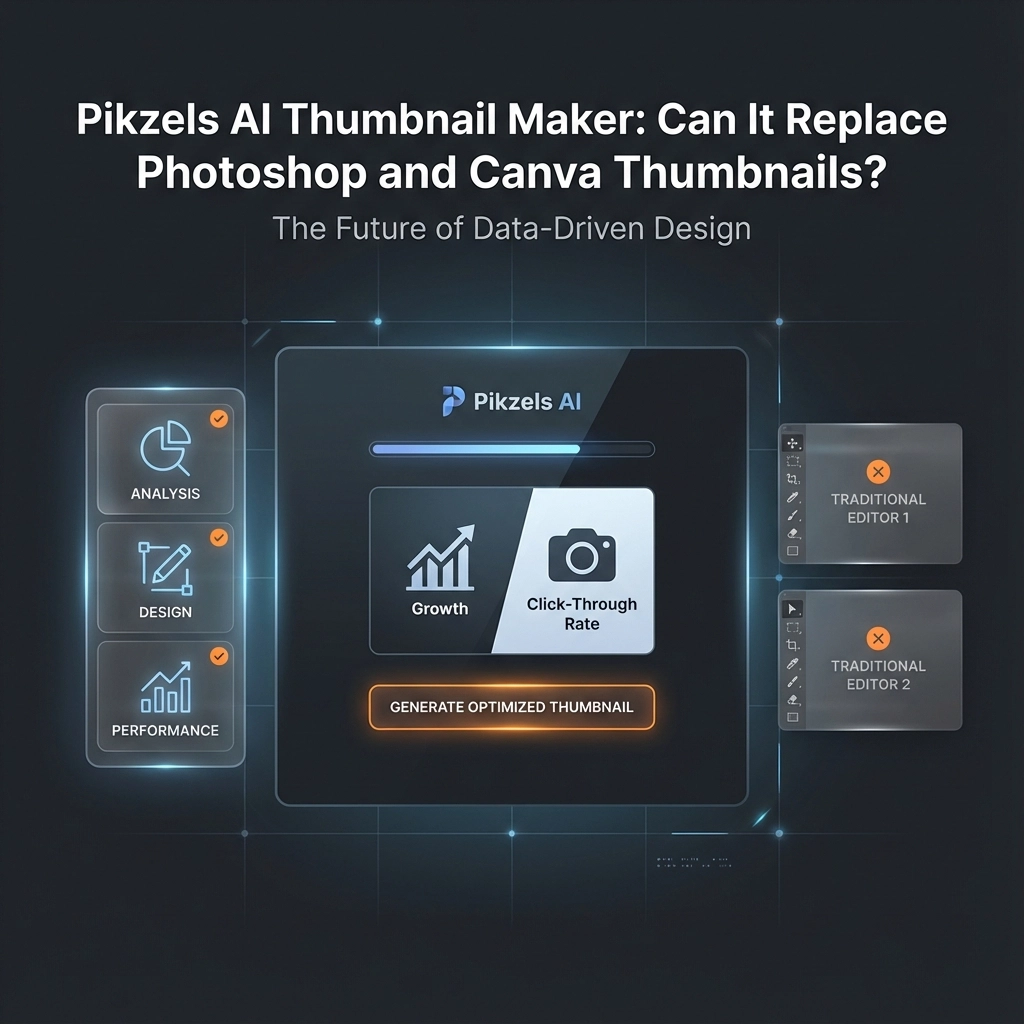
Yes, Pikzels AI can replace Photoshop and Canva for basic YouTube thumbnail creation, especially if you're a beginner or don't want to spend money on a designer. But if you're doing complex professional work with multiple requirements, you'll still need traditional design tools.
I spent hours testing Pikzels AI to see if it lives up to the hype, and the results genuinely surprised me. These thumbnails look like high-end Photoshop or Canva designs, but they were made in under two minutes using nothing but AI.
How Pikzels AI Works: The Persona System
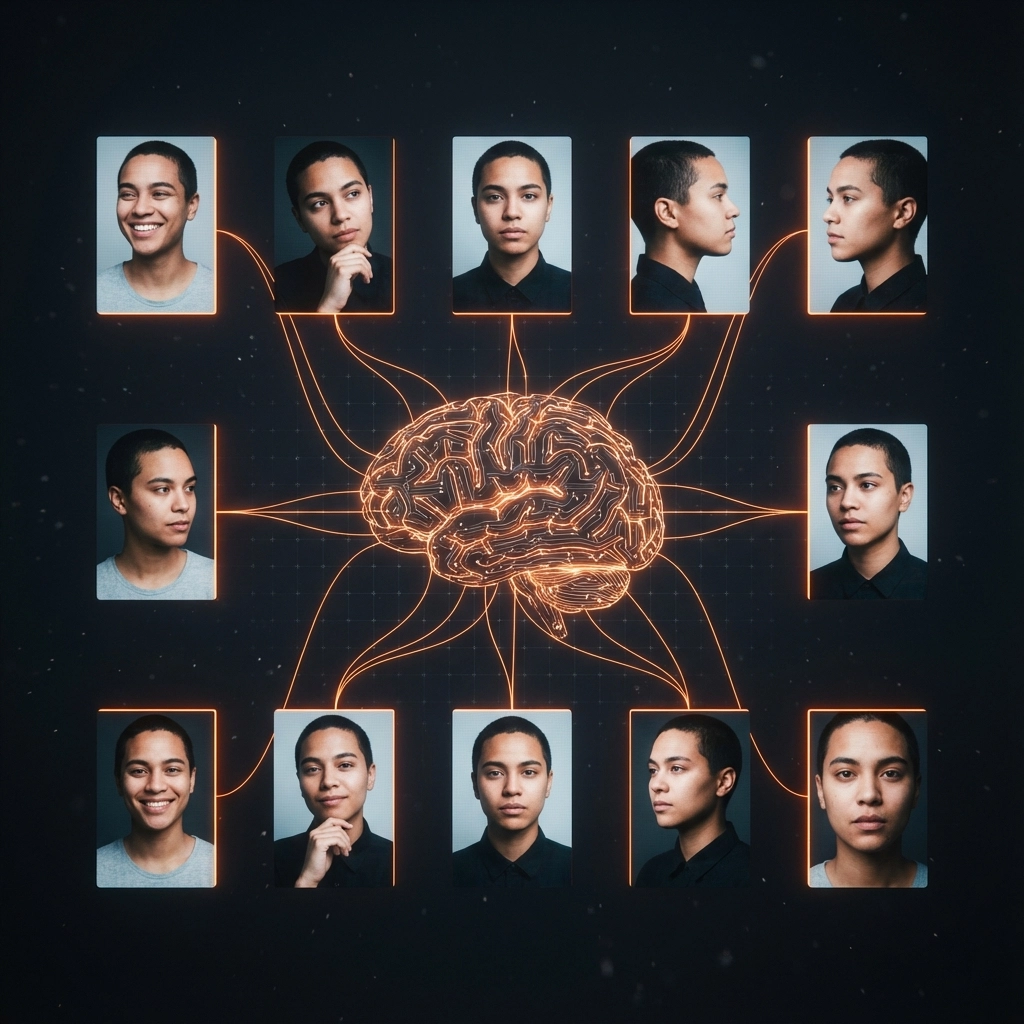
The foundation of Pikzels is creating your persona. You upload 10 or more photos of yourself, different angles, different expressions, and the more you add, the better it gets. I uploaded 10 photos to start.
This isn't just about having your face in thumbnails. The persona system learns your features so it can consistently place you in various thumbnail styles and contexts. Think of it as training the AI to understand what you look like from multiple perspectives.
Once your persona is ready, you can start generating thumbnails. But here's the smart part: instead of guessing what makes a good thumbnail, I used ChatGPT to analyze successful thumbnails in my niche and turn them into clean prompts for Pikzels.
Testing the Core Generation Feature
For my first test, I took a thumbnail from the thumbnail design niche, analyzed it with ChatGPT, and fed that analysis into Pikzels as a prompt.
The result? Absolutely insane from an AI perspective. Bold text up top, clean glow around the subject, the whole vibe was there. Did it look exactly like me? Not fully, but it was seriously close.
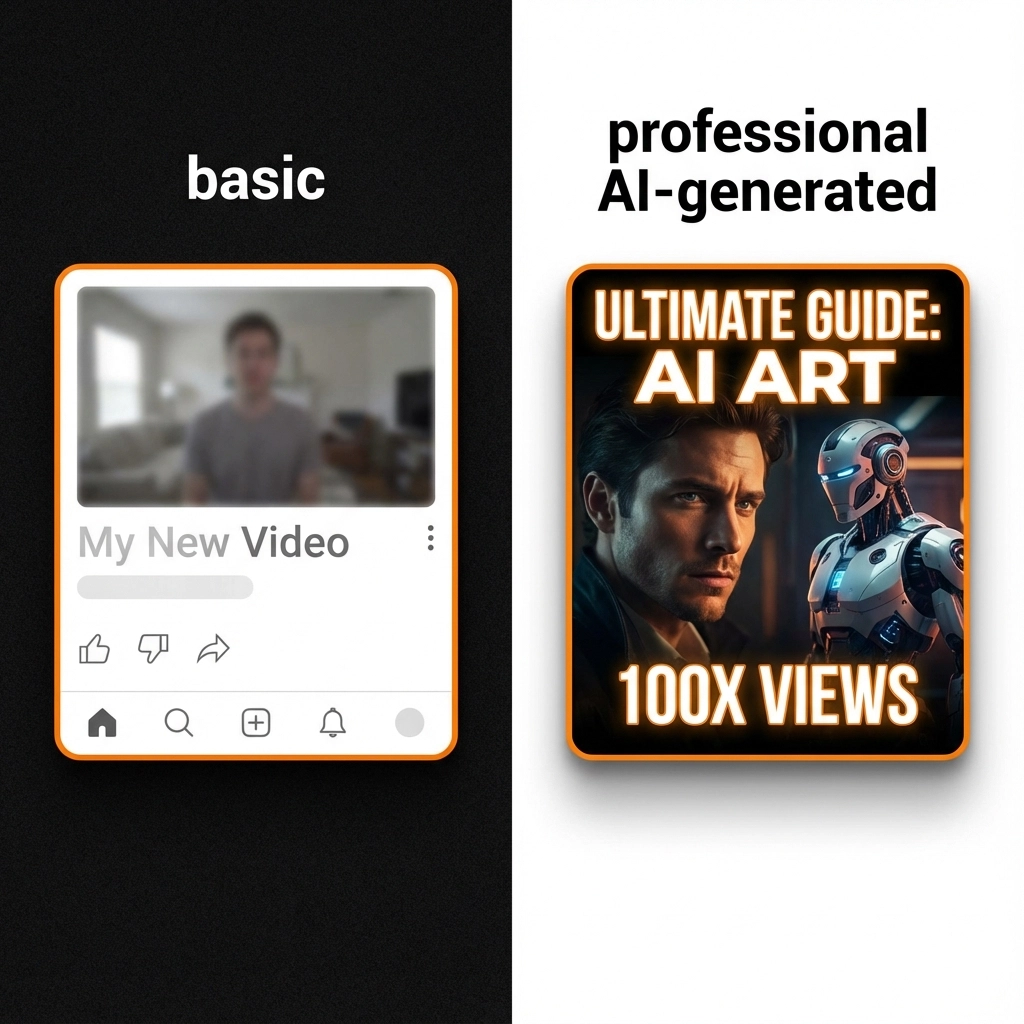
For someone who doesn't want to hire a designer or can't afford one, this is a very solid way to generate thumbnails. The speed alone is game-changing, what would take me 30–45 minutes in Photoshop happened in under two minutes.
The Recreate Feature: Copy and Customize
But that was just one prompt. Let me show you something even crazier: the recreate feature.
This is where you paste a link from any YouTube video, tell Pikzels what you want to change, and it rebuilds the thumbnail. My prompt was super simple: "replace the guy with me."
Pikzels did exactly that. It spotted the person in the original thumbnail and replaced him with me using my persona. This is a crazy strong feature, it can generate a usable thumbnail in seconds.
Of course, you don't want to copy thumbnails one-to-one, but as a starting point or inspiration, this is genuinely impressive. It takes the guesswork out of layout, color schemes, and composition.
Where Pikzels Struggles: Edit and Face Swap Features
Not everything worked perfectly. I had a thumbnail where the AI messed up my face slightly, the face looked off. So I wanted to test if Pikzels could fix that using the edit feature and face swap feature.
For me, the way I used it, it didn't really work.
This is important: I might have used the feature wrong since this was my first time testing it. With more experimentation, maybe it would perform better. But personally, these two features didn't resonate with me the same way the actual generation features did.
Pushing Pikzels to Its Limits
I wanted to test something more complex, so I grabbed a thumbnail with multiple elements, bright colors, and big text. Again, I used ChatGPT to break it down into a clean prompt.
The result was actually really good. One thing, the cart was kind of floating in the air, but the layout, the glow, the persona, the "beginner vs pro secrets" effects were all on point. The only thing I couldn't quite get right was the logo, but honestly, I expected that.
Then I cranked the difficulty up even more. I grabbed a thumbnail that I knew would be difficult.
Again, actually really good.
The Honest Verdict: When to Use Pikzels vs Traditional Tools
Can this replace Photoshop or Canva? Here's my honest take:
When Pikzels Wins
- Doesn't want to spend money on a designer
- Doesn't want to learn Photoshop or other complex tools
- Needs quick drafts for client work
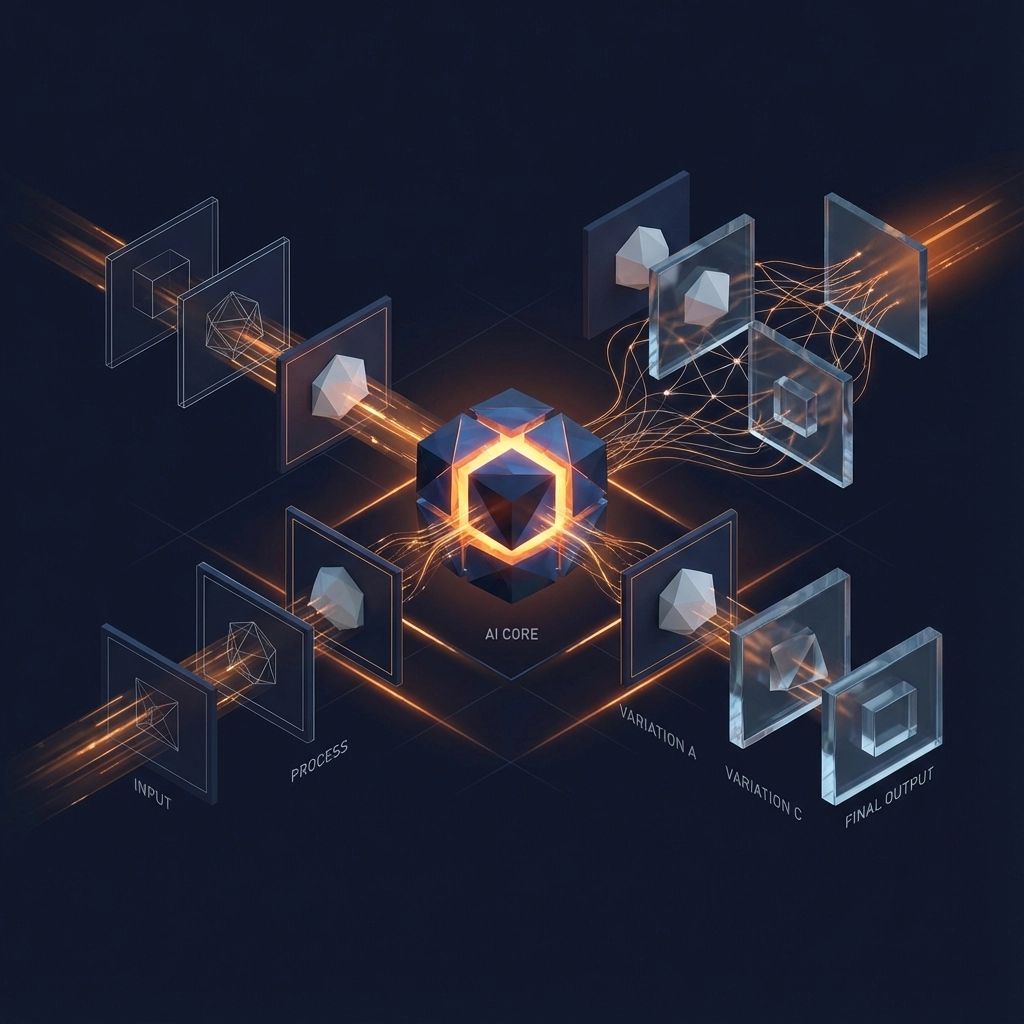
- Wants to test multiple thumbnail variations fast
When You Still Need Professional Tools
- Multiple people: When you have multiple images that need to be assembled or multiple people that need to be swapped
- Complex edits: The edit and face swap features aren't as reliable as the generation features
- Specific branding: If you need exact logo placement or very specific brand elements
Ready to Try Pikzels AI?
Want to test Pikzels for yourself? You can check it out using this link.
I also made a full video breakdown of my Pikzels testing experience:
Watch my complete Pikzels AI review and testing
The thumbnail game is evolving rapidly, and tools like Pikzels are making professional-looking designs accessible to everyone.
Split Second
Parkstad, Limburg
© Copyright 2026 Split Second